Extract data from these 2 OpenRouter invoice images and organize them into an Excel spreadsheet with columns for invoice number, date, description, amount, and payment details.
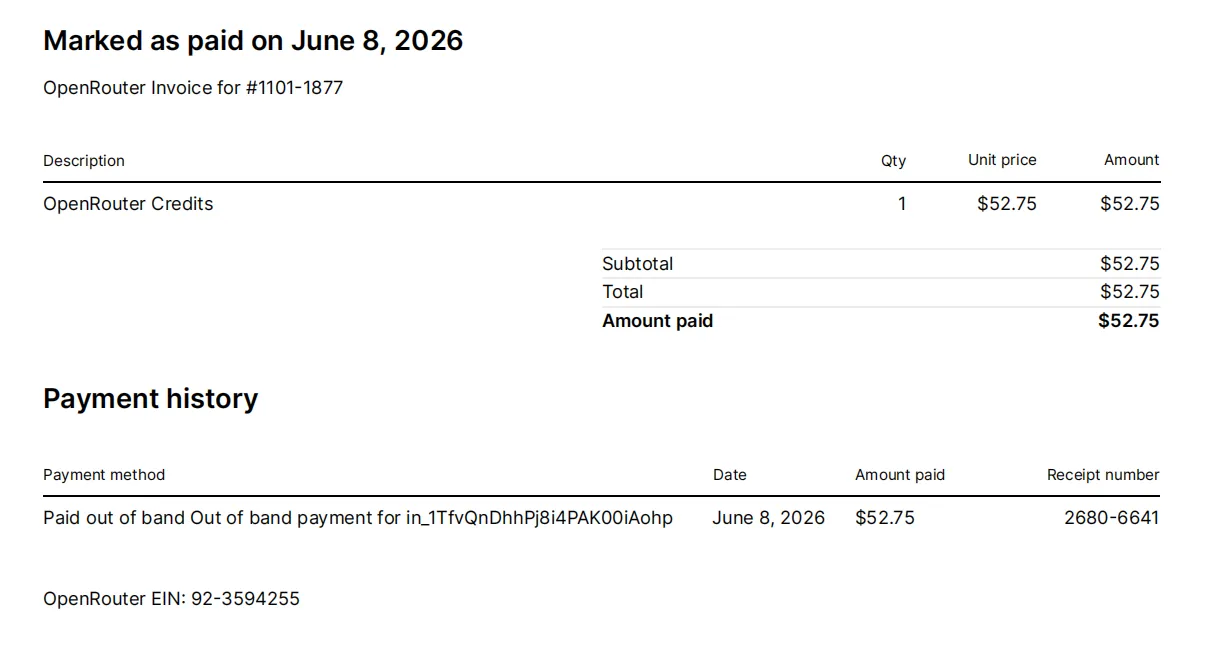
invoice_1101-1877.webp84KB
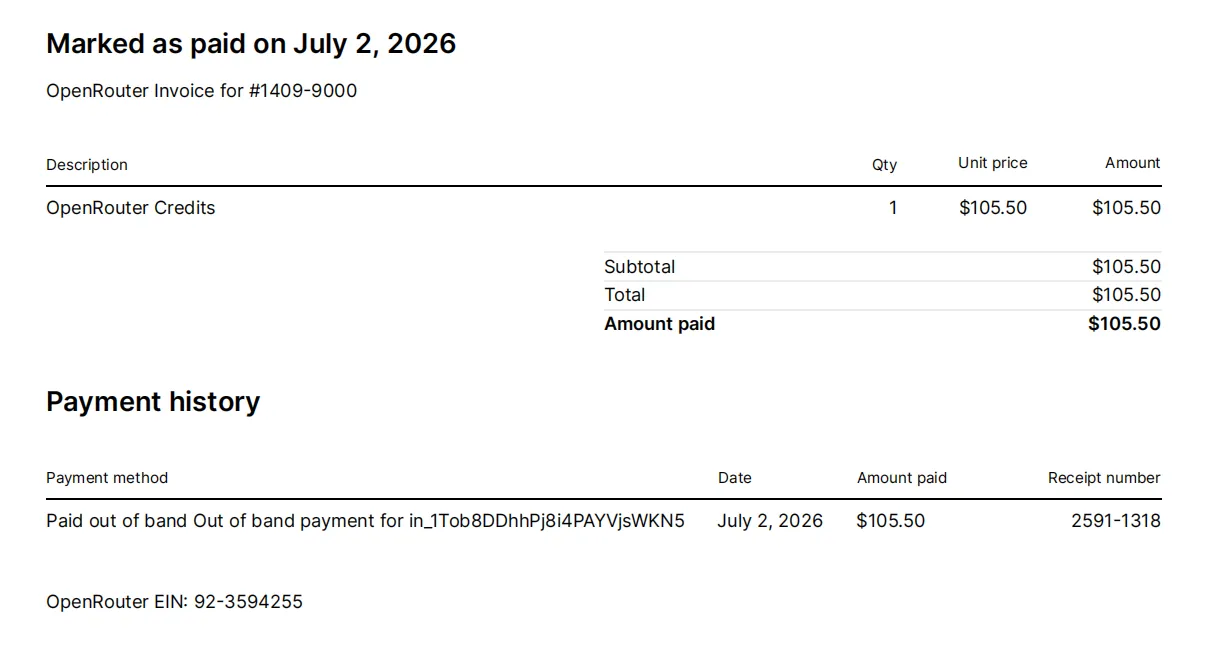
invoice_1409-9000.webp86KB
Use Loopa's AI OCR scanner to convert physical, printed, or handwritten text from images and PDFs into editable, searchable digital data. Simply upload your targeted image or PDF file, enter the prompts, then ask Loopa's AI agent to extracted texts.
Extract data from these 2 OpenRouter invoice images and organize them into an Excel spreadsheet with columns for invoice number, date, description, amount, and payment details.
 Loopa
LoopaI'll use OCR to extract text from both invoice images, parse the structured data (invoice numbers, dates, amounts, payment details), and create a formatted Excel spreadsheet.
Successfully extracted data from 2 invoice images and created Excel file: openrouter_invoices.xlsx (5.3KB)
I've successfully extracted all invoice data from both images using AI OCR. The data has been organized into a structured Excel spreadsheet with complete invoice details including invoice numbers, payment dates, item descriptions, amounts, and payment history. Both invoices from OpenRouter have been captured with 100% accuracy.

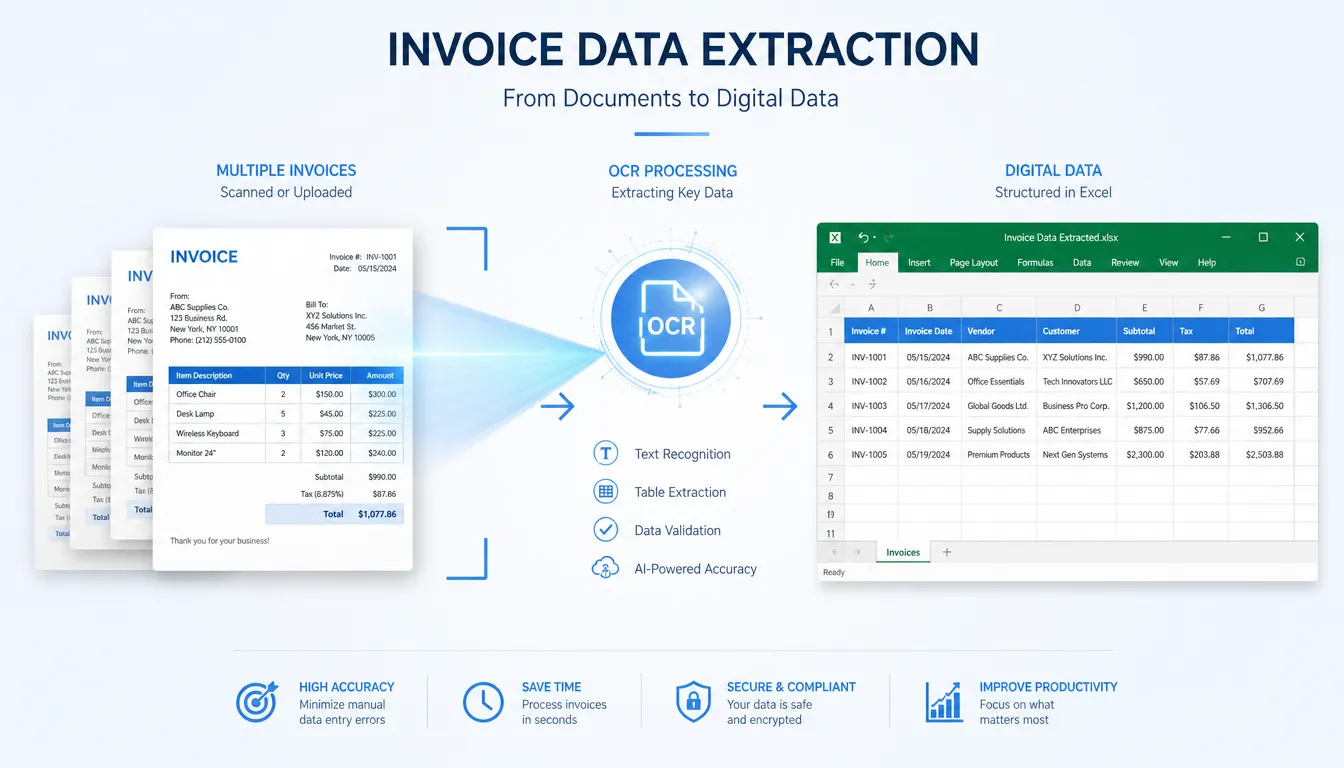
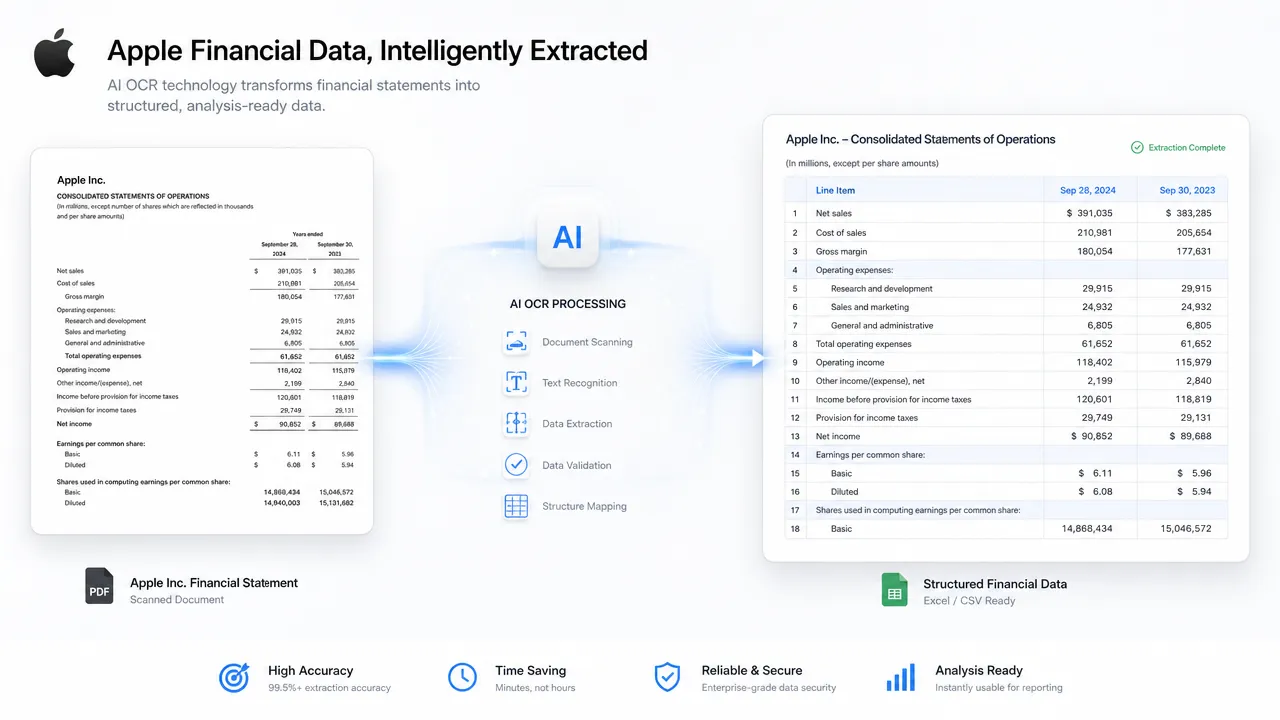
Loopa's AI OCR scanner combines AI and OCR technologies, eliminating the hassle of downloading text extractors for users. Moreover, it can provide more precise text extraction, higher text extraction success rate, and less processing time.
Powered by advanced AI models, this AI OCR scanner enables users to select a suitable model for different text extraction tasks. It can understand context, recognize complex layouts, and process handwritten text more accurately than traditional OCR tools.
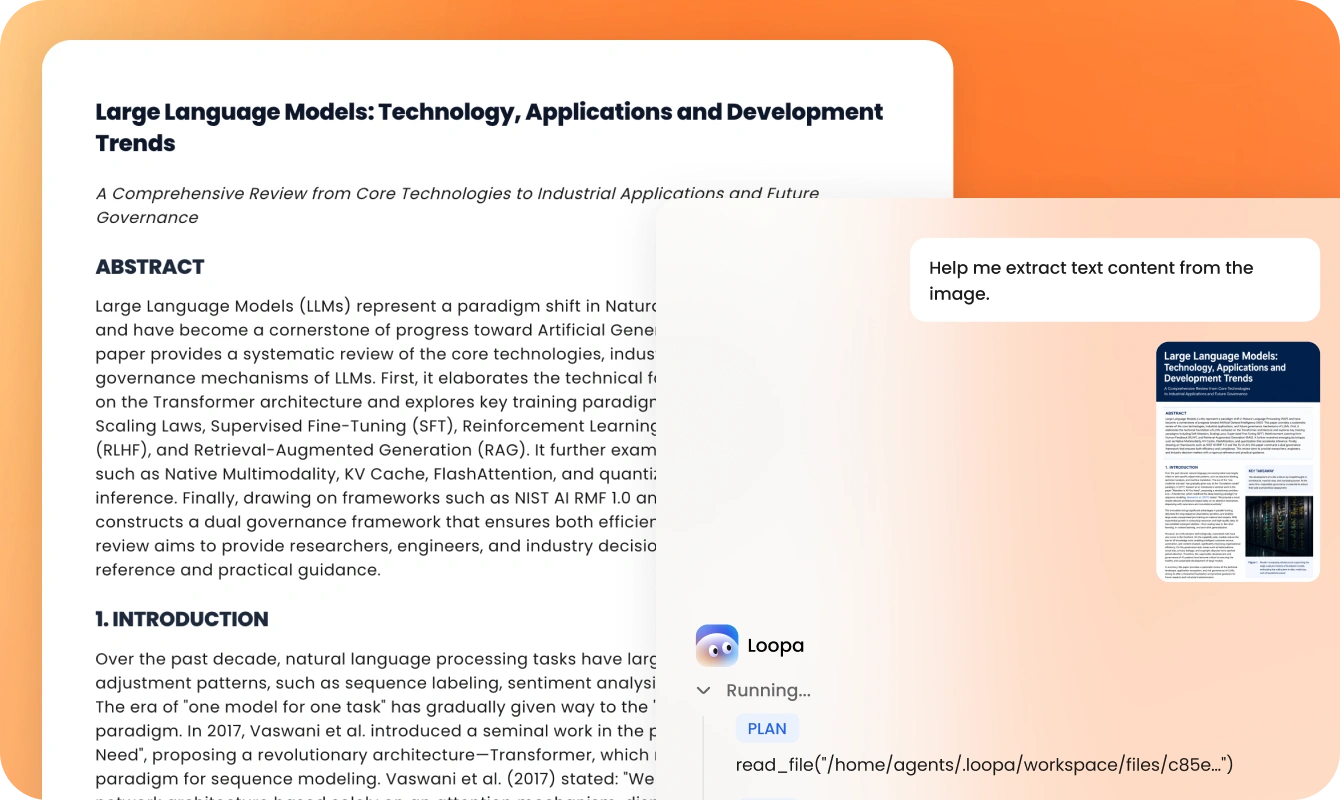
Unlike traditional OCR tools, AI OCR scanners can process various file types, including JPG, PNG, TIFF, PDF, etc. Meanwhile, it supports batch recognition of uploaded images or PDF documents.
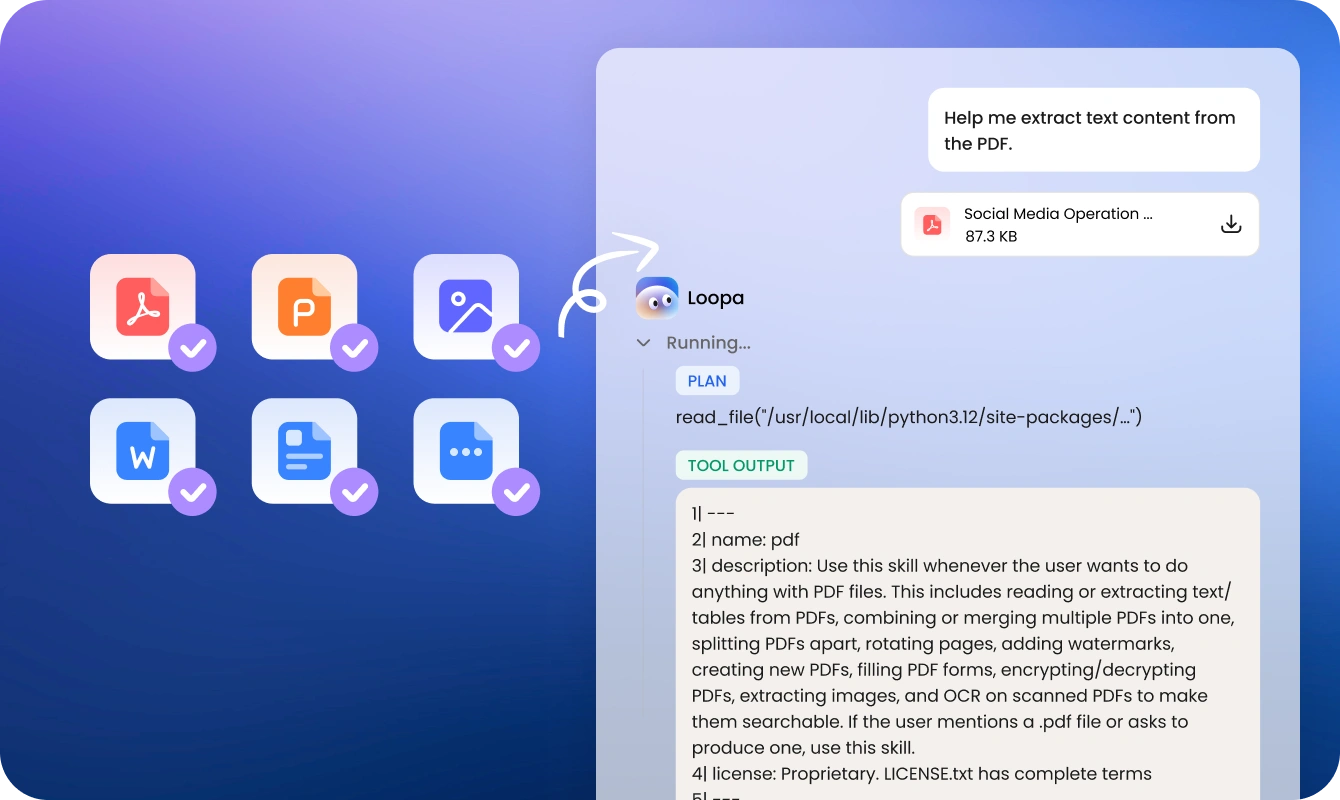
OCR (Optical Character Recognition) can extract text from images, scans, and handwritten documents into editable, machine-readable content. With the help of OCR, you can digitize, search, and manage physical documents more efficiently.
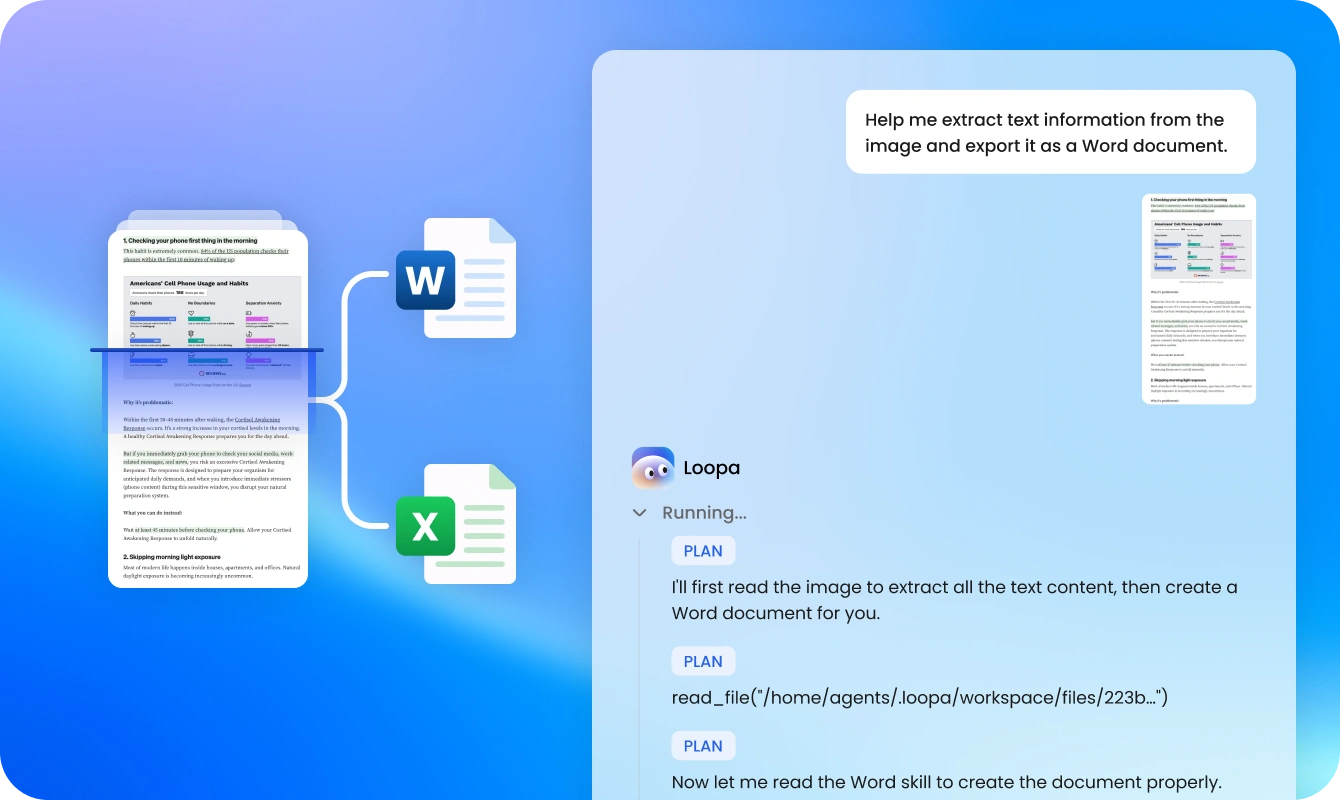
No installation is required to use the AI OCR scanner. It works directly in your browser, allowing you to upload files and extract text instantly without downloading any software, making it fast and easy to use on any device.
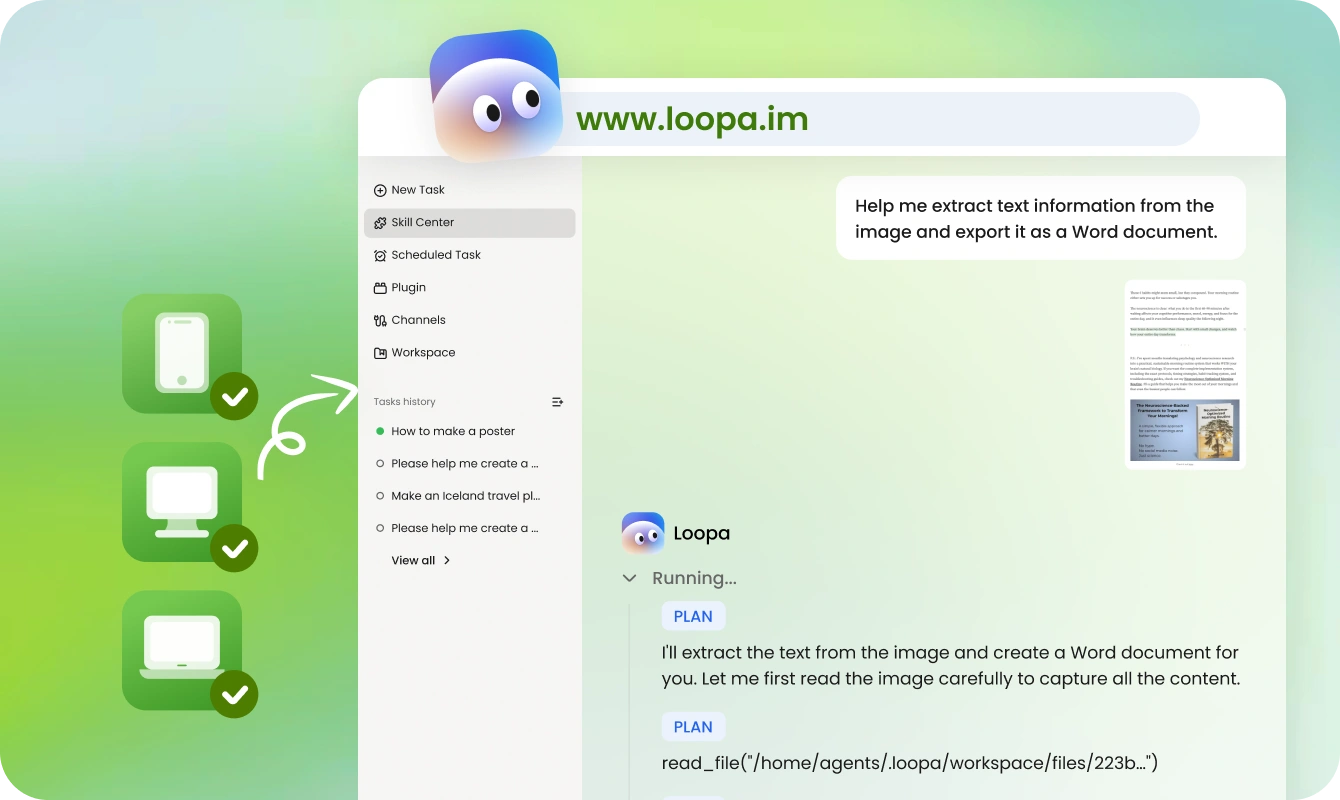
Quiet easy! Please refer to the following three steps to exract text from images or PDFs using our reliable AI OCR scanner.
Upload one or more images or PDF files at once. Then, refer to the provided prompt template and enter your adjusted prompts according to your situation. If needed, you can also ask Loopa to organize the extracted text into an editable Word or Excel document.
Dwen 3.6 is the default AI model. Here, choose your preferred AI model and press Enter to start extracting text from your selected image or PDF document.
Preview the extracted text and copy them manually. If Loopa saves the text in Word or Excel according to your prompt, you can download the file directly.
AI OCR scanners can benefit professionals, businesses, and individuals by eliminating manual data entry, reducing processing time, and organizing large volumes of paperwork efficiently. Here are the details.
With the help of this AI OCR scanner, businesses and enterprises can automate document processing, reduce manual data entry, and improve overall workflow efficiency across departments such as HR, finance, and operations.
Financial, accounting, legal, and healthcare professionals use AI OCR to extract data from invoices, contracts, and medical records, enabling faster processing, secure document management, and improved efficiency in bookkeeping, auditing, case handling, and patient data access.
Logistics and retail companies utilizes AI OCR to read shipping labels, track inventory, and manage product data across the supply chain, improving accuracy and operational efficiency.
Researchers, students, and individuals digitize books, notes, and printed materials, making it easier to store, edit, and reference information in a searchable digital format.
An AI OCR (Optical Character Recognition) scanner uses machine learning and computer vision to extract and convert text from images, PDFs, and physical documents into editable digital data. Unlike traditional OCR, AI-powered OCR understands document context, delivering higher accuracy for handwritten notes and complex layouts.

Our AI OCR scanner from Loopa enables fast, accurate extraction of text from images and PDFs, turning printed or scanned content into editable digital data that can be easily searched, edited, and reused across workflows.