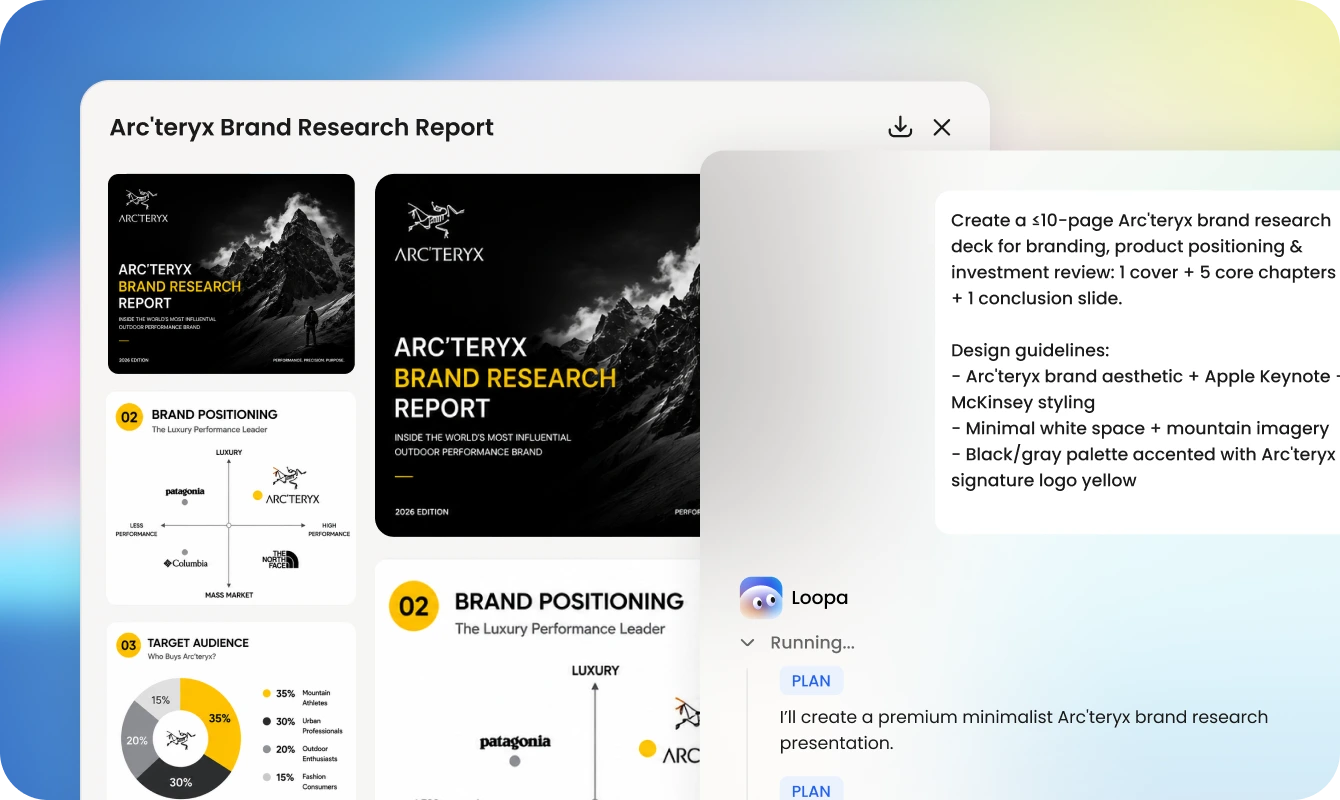
Create presentation slides instantly with ChatGPT Image 2 and AI automation. Loopa can understand your goals, make a research, create content, and generate PPT images using GPT Image 2.
3 Page slides for the topic: What is AI Agent.
Loopa
Plan
I'll create a 3-page slide deck about "What is AI Agent" in your specified minimalist style. Let me generate each slide.
Plan
I will generate the cover slide and then generate the other two slides.
Here's your 3-page slide deck on "What is AI Agent"! 🎨
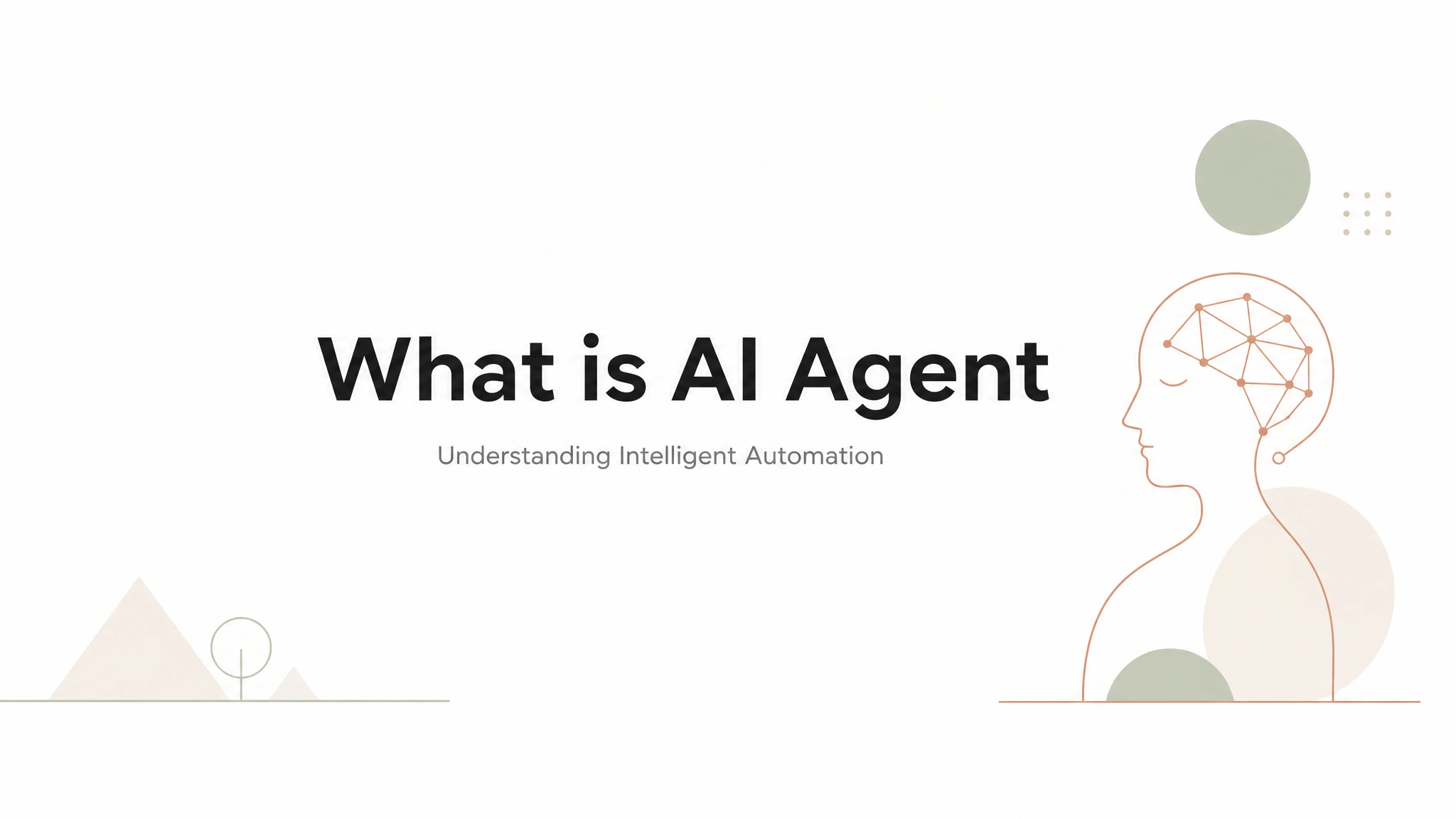
Page 1 — Title Slide
"What is AI Agent" with elegant subtitle
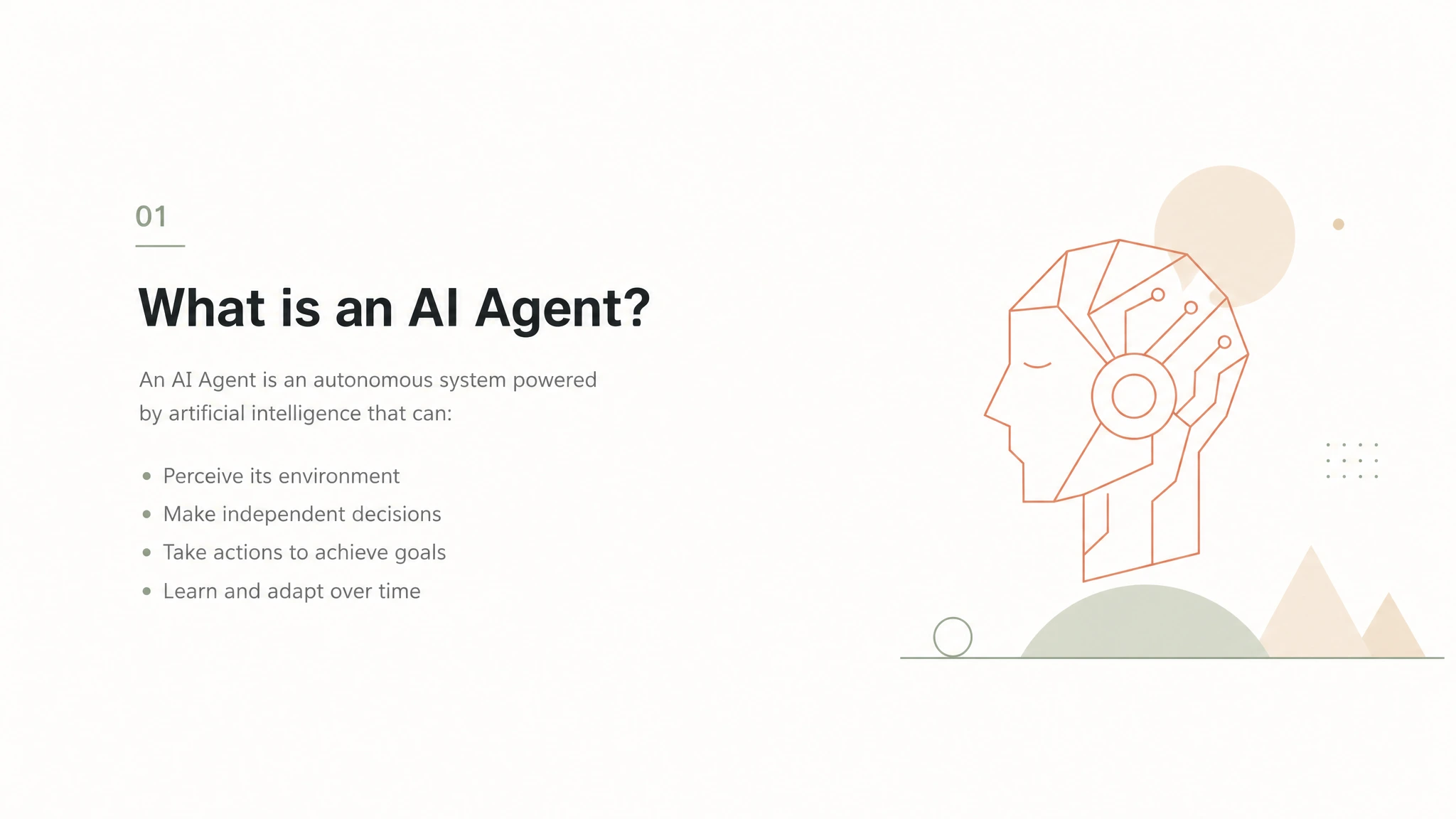
Page 2 — What is an AI Agent?
Definition and core characteristics of AI agents
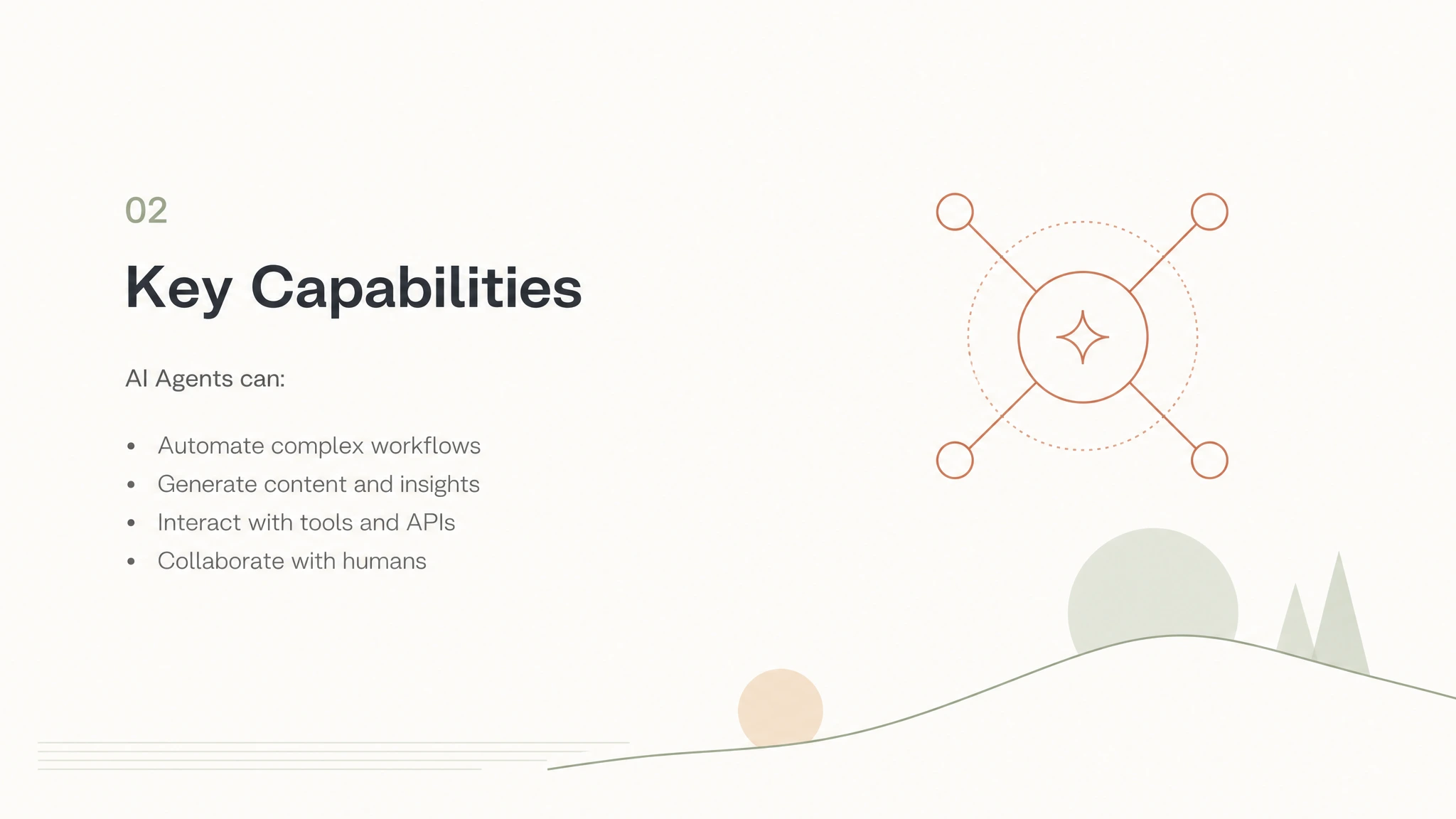
Page 3 — Key Capabilities
What AI Agents can do (automation, content generation, tool interaction, collaboration)
Try an example
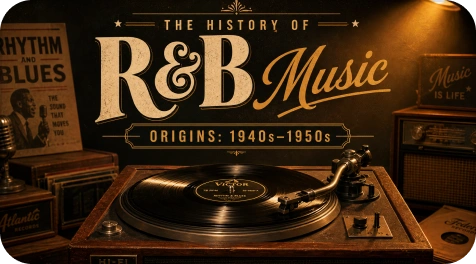
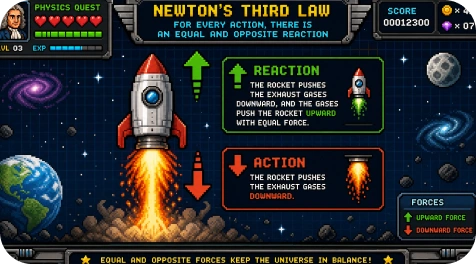
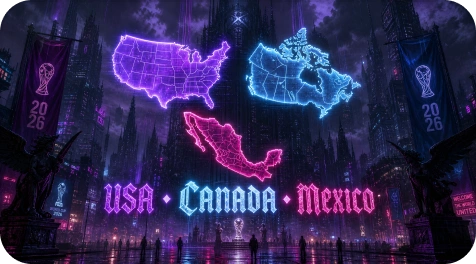
Minimalist illustration styleVinyl record aestheticPixel art styleAI Influncer Content
Why Use GPT Image 2 to Create a Presentation?
The GPT Image 2 AI presentation maker automatically transforms ideas into presentation-ready slides with visuals, structure, and branded layouts.
Generate Slides from Simple Prompts
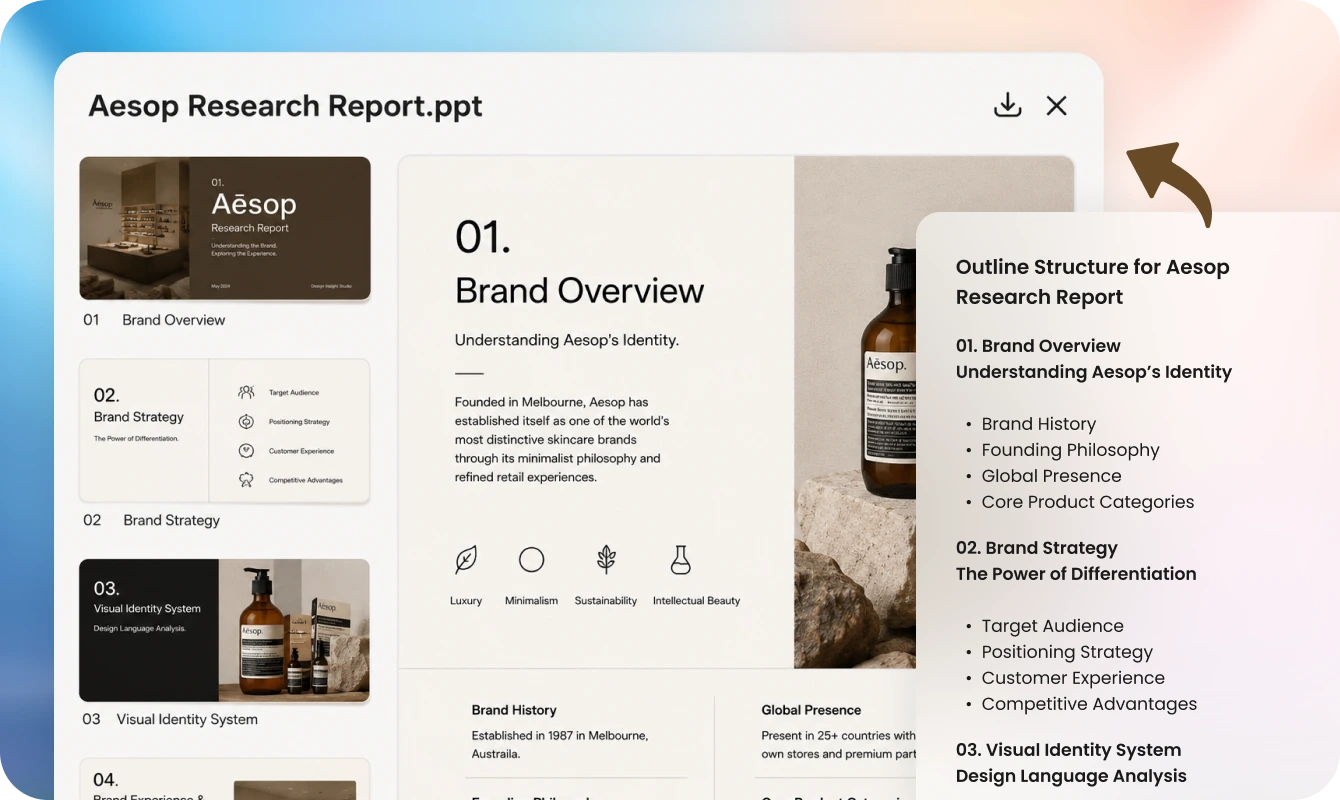
Describe your topic, goal, or audience, and Loopa instantly generates complete slide decks with structured content, visual storytelling, and AI-generated PPT graphics.
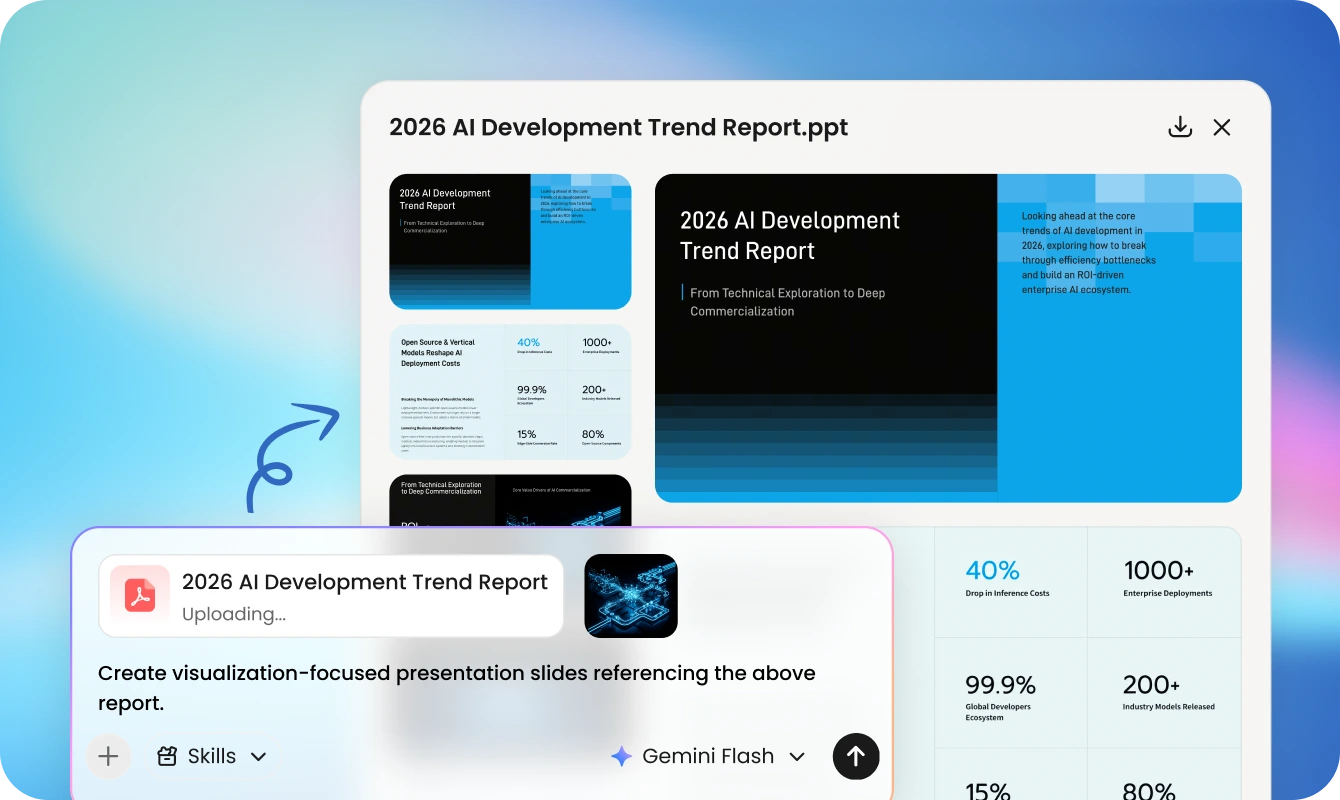
Turn PDFs and Images into Slide Decks
Upload reports, images, notes, meeting summaries, or research files, and Loopa converts them into organized slides with key insights and visual summaries.
Automated Research and Content Creation
Loopa's AI agent researches topics, summarizes information, organizes key points, and creates PowerPoint file, so users can focus on ideas instead of formatting.
Generate AI Visuals for Every Slide
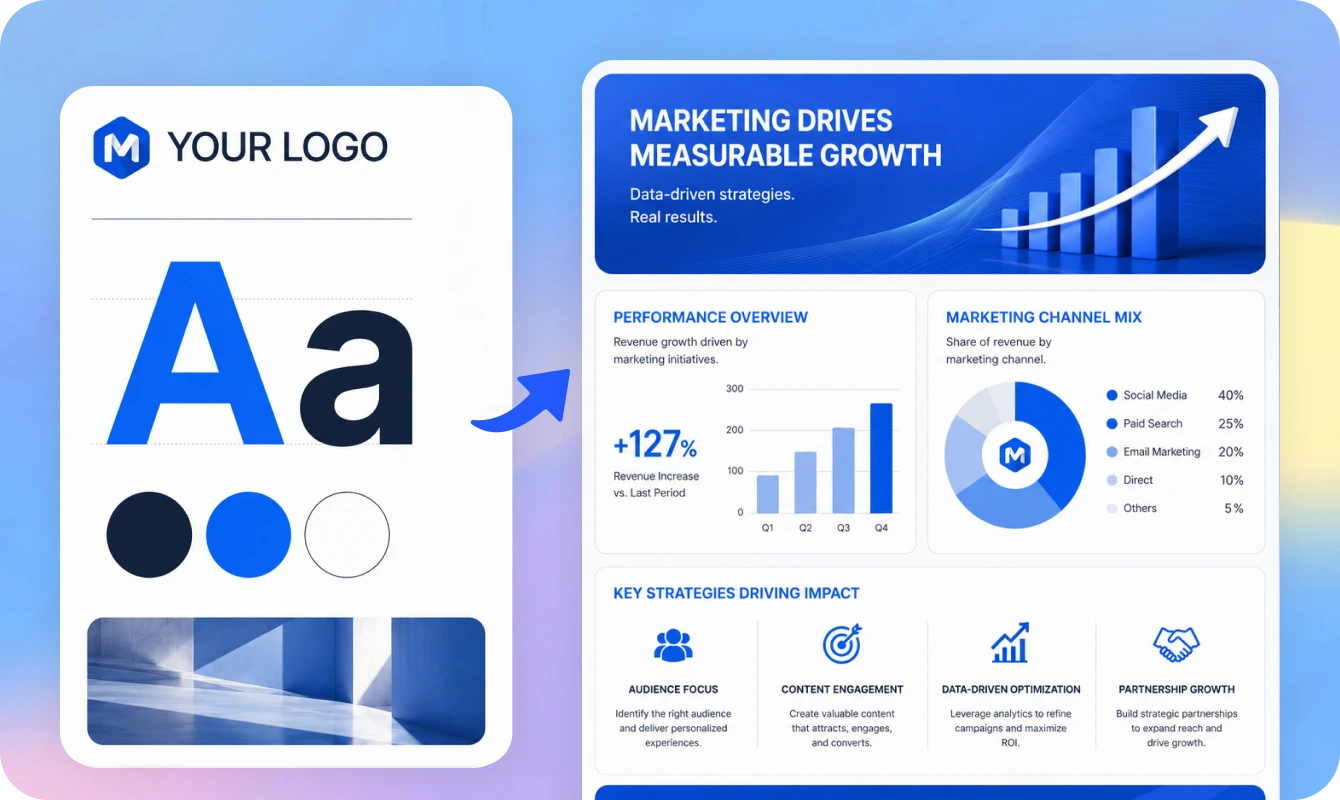
Use GPT Image 2 slides AI to create illustrations, diagrams, product visuals, icons, and presentation assets that match your topic and branding automatically.
How to Create Slides Using ChatGPT Image 2 for Free?
Loopa makes it easy to create a PPT with GPT Image 2 in three simple steps. Everything happens through natural conversation and automated AI workflows.
1
Describe Your Ideas or Upload Reference
Tell Loopa what kind of presentation you want to create. You can input a topic, upload a document, paste notes, or explain your ideas in plain language. Loopa supports all formats like: PNG, PDF, DOC, EXCEL, PPTX, and so on.
2
Let Loopa Research and Generate Slides
Loopa automatically researches relevant information, structures the presentation, creates visuals with GPT Image 2, and generates complete slide content based on your instructions.
3
Your Presentation Content Is Ready!
Review the generated slides, request revisions through chat, and export your presentation.
Who Can Benefit from the GPT Image 2 AI Presentation Maker?
Loopa is designed for anyone who wants to create slides with GPT Image 2 faster and with less manual work.
Business Professionals and Teams
Executives, consultants, and sales teams can use Loopa to create investor decks, strategy presentations, sales pitches, marketing reports, and company updates easily.
Students and Educators
Loopa's AI PPT maker with GPT Image 2 can help teachers and students create educational slides, lesson presentations, research summaries, and classroom materials with structured explanations.
Marketers and Content Creators
Marketers use GPT Image 2 AI slide maker workflows to generate campaign presentations, social media reports, creative concepts, and client-ready visual decks quickly.
Freelancers and Agencies
Produce polished client presentations, proposals, creative decks, and project reports without spending hours designing slides manually.
GPT Image 2 is OpenAI's advanced image generation model for high-quality and context-aware visuals. Loopa integrates GPT Image 2 into an AI agent workflow to generate PPT visuals automatically.
Create Slides with GPT Image 2 Using Loopa for Free
Try Loopa's GPT Image 2 AI presentation maker to create slides from text, images, PDFs and topics. Chat with Loopa and you can get polished PowerPoint files.
 Loopa
Loopa